Audio subtitle export
Audio to Subtitles
Choose an audio recording, transcribe its speech, then download the timestamped result as an SRT or VTT subtitle file.
Use the audio-to-text tool for an audio to subtitles workflow. For the dedicated MP3 workflow, use MP3 to SRT; the same export also supports audio to srt for another supported recording format.
How to make subtitles from audio
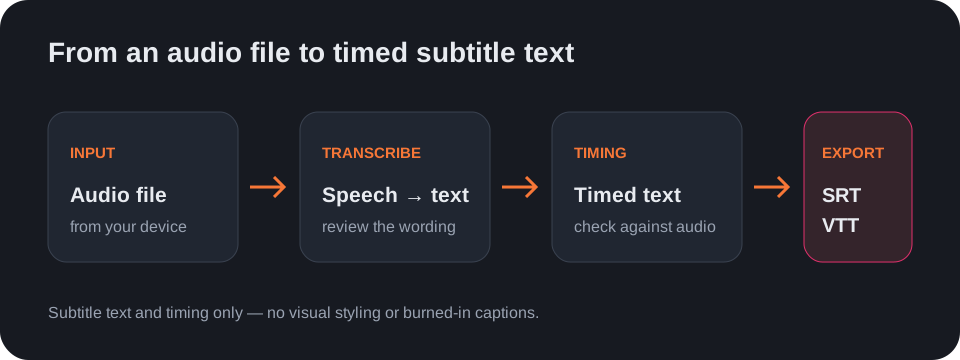
- Choose the audio file from your device in the audio-to-text tool.
- Select the spoken language or keep Auto-detect.
- Run transcription and review the timed text against the recording.
- Choose SRT or VTT and download the subtitle file.
What this workflow produces
The tool creates a text transcript with timing and can render it as SRT or VTT. It does not style captions, burn subtitles into a video, or guarantee that every word is correct; review names, numbers, and overlapping speech before using the file.
Questions
Can I convert an MP3 to SRT?
Yes. Choose the MP3 in the audio-to-text tool, transcribe it, then select SRT as the output format.
Does it create subtitles directly from audio?
It transcribes the audio first and exports the timed transcript as an SRT or VTT file.
Can I edit the subtitle design here?
No. This workflow exports subtitle text and timestamps, not styled or burned-in captions.
Open the audio-to-text tool · See the subtitle generator workflow