MP3 TO TEXT
Turn an MP3 into a transcript you can check
Answer: upload an audio file or paste a direct media link, choose the spoken language, and export the result as TXT, SRT, or DOCX. No account is needed to get a result. Treat the transcript as a draft to review when the recording is noisy, distant, overlapped, or music-heavy.
The link must allow browser access (CORS) and point directly to an audio or video file.
Transcript
Change language, timestamps, or output format to re-render the result without processing the file again.
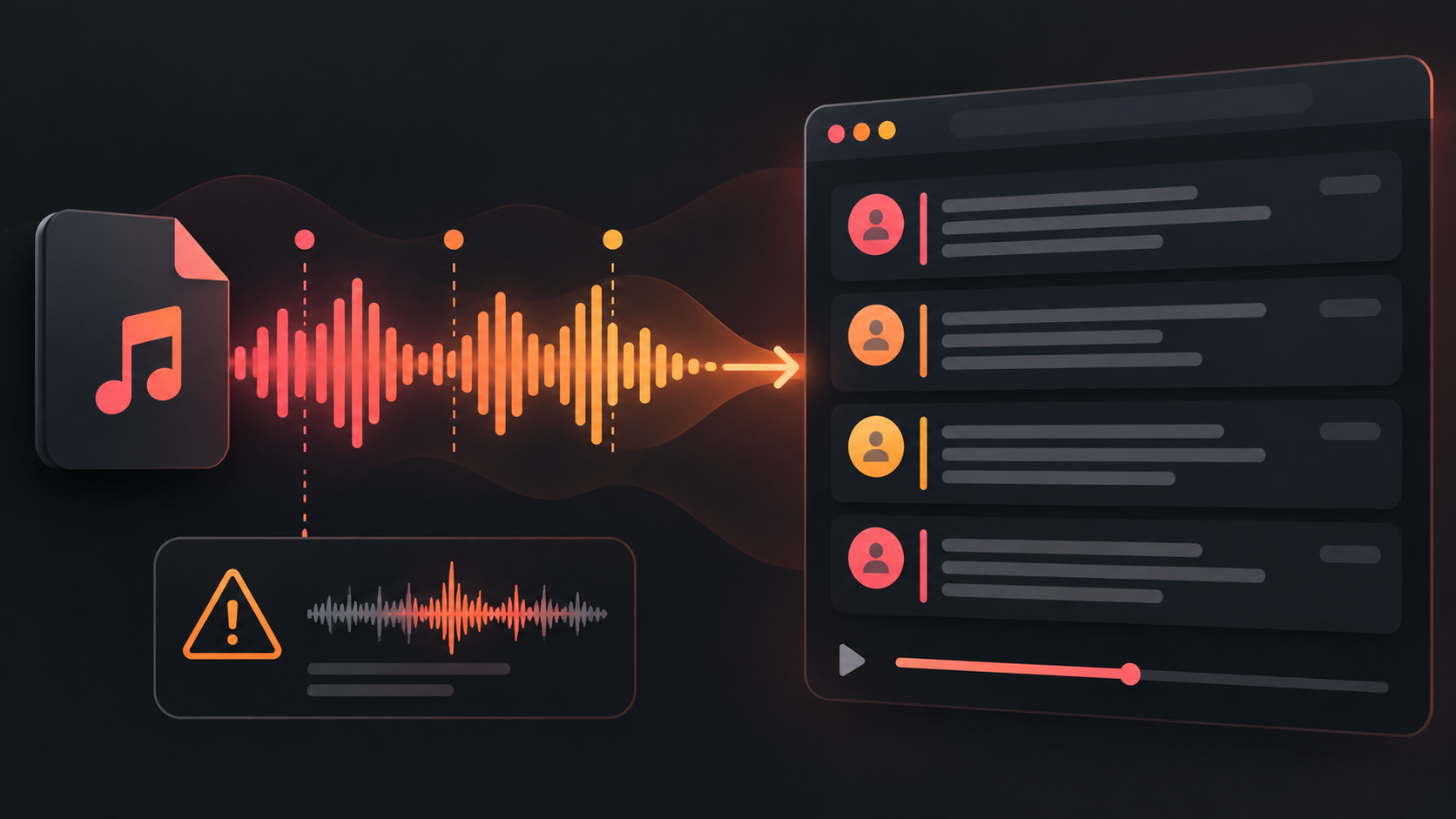
What this MP3 transcription tool supports
Use an uploaded MP3, WAV, M4A, FLAC, OGG, or AAC file, or try a direct media link that permits browser access. The output can be copied or downloaded as TXT, SRT, VTT, or DOCX. You can use the tool without creating an account.
There is no server queue: one file is processed at a time in the open browser tab. The practical limit is the memory and speed available to that browser and device; this page does not claim a fixed safe maximum for every computer. If a large recording fails to decode or the model cannot load, use a shorter clip or a device with more available memory.
How the result is produced
The browser decodes the recording into short audio windows, sends those windows through a speech-recognition model, joins the timestamped segments, and formats the text for export. The page does not turn every sound into reliable words: it reports when it cannot find readable speech instead of presenting a made-up transcript.
What can make an MP3 transcript go wrong
- Strong accents can make some words or names less recognizable.
- When people talk over one another, the output may mix or omit speakers.
- Heavy background noise can hide consonants and short words.
- Far-field recordings lose detail as the microphone gets farther from the speaker.
- Music covering speech can leave text that is incomplete or wrong even when the tool returns a transcript.
A real decision example
In a live test, a 45-second desktop recording with no spoken audio produced no transcript, which was the correct empty result. In a separate Chinese-speech test, the recognizer returned timestamped text but missed or misheard some words; that is a useful signal to review the output rather than treat one generated line as a complete record. For an important recording, compare the transcript with the audio before quoting it.
MP3 to text questions
Is this an MP3 to text converter?
Yes. It accepts common audio files, runs the transcription in the browser, and lets you download a text, subtitle, or DOCX result.
Can I use it for MP3 transcription?
Yes. Pick the spoken language when auto-detection does not recognize the recording cleanly, especially for short, noisy, or mixed-language clips.
Do I need to log in?
No account is needed to start a transcription or download its result.