WAV audio transcription
WAV to Text
Choose a WAV recording in the audio-to-text tool, transcribe its speech, then copy or download the timestamped text.
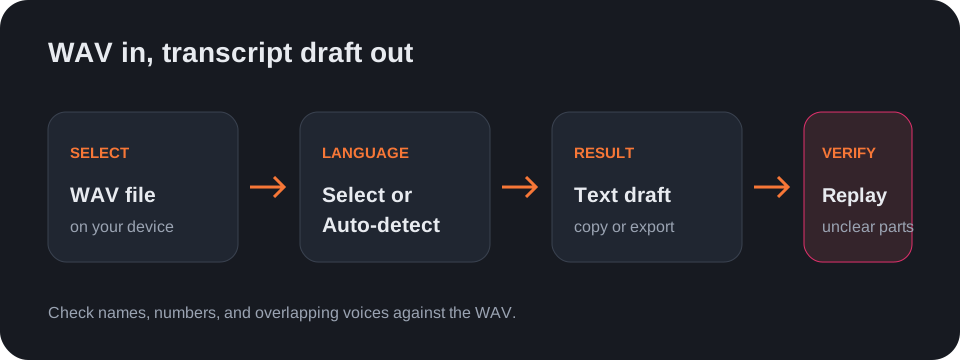
Use the audio-to-text tool as a WAV to text converter: select the recording from your device, choose its spoken language or Auto-detect, and run transcription.
Available text exports
The result can be copied or downloaded as TXT, SRT, or VTT. SRT and VTT include timing; the tool does not create styled graphics or burn captions into another file.
Review speech details
Replay important sections of the WAV to check names, numbers, and overlapping speech. The transcript is a draft, so compare wording with the recording before using it as a quote or record.
Questions
How do I convert a WAV file to text?
Choose the WAV file in the audio-to-text tool and start transcription with the spoken language selected.
Can I save the WAV transcript?
Yes. Copy the result or download it in TXT, SRT, or VTT format.
Can I transcribe a WAV link?
No. Select a file from your device; the tool does not fetch audio from a URL.
Open the audio-to-text tool · See the M4A-to-text workflow