MP4 SUBTITLE TRACK TEST
What happens when an MP4 has multiple subtitle tracks?
In our two-file test, the audio-to-text tool returned the same spoken words when the English and French embedded subtitle tracks changed order; neither embedded sentence was reproduced.
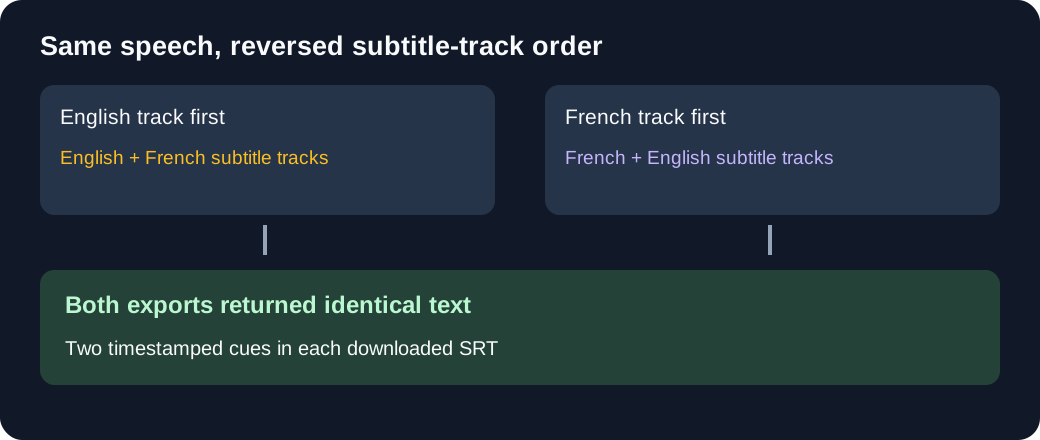
We created one English synthetic speech recording on this machine: "The meeting begins at ten. Please check the green notebook before lunch." Both MP4 files use identical encoded audio and have two embedded text subtitle tracks. This is a controlled file comparison, not two independent speakers or recordings.
The subtitle tracks and their order
Each embedded track runs from 00:00:00,000 to 00:00:05,000. FFprobe identified the text tracks and language tags in both files, and we extracted each track separately for inspection.
| Input | First embedded track | Second embedded track | Original output |
|---|---|---|---|
| English track first | TRACK ENGLISH: The red car is parked outside. | PISTE FRANCAISE: Le train violet part demain. | Download SRT |
| French track first | PISTE FRANCAISE: Le train violet part demain. | TRACK ENGLISH: The red car is parked outside. | Download SRT |
The English track retained the default flag in both files, including when it was second. This test changes track order; it does not test what happens if the French track is marked default or selected in a player. Both files have a nine-second container duration; neither subtitle sentence is the spoken reference.
Source material: synthetic speech WAV, English subtitle input, and French subtitle input. The two MP4 files can be selected separately in the audio-to-text tool.
What the tool actually returned
On November 4, 2026, we selected English and SRT for each MP4 in the live tool. Both runs displayed Done — 2 segments. The downloaded SRT files are byte-for-byte identical. This is the complete unchanged output from each file:
1
00:00:00,000 --> 00:00:02,000
The meeting begins at 10.

2
00:00:02,660 --> 00:00:05,679
Please check the green notebook before lunch
The result follows the speech reference, writing the spoken word "ten" as "10". Neither the red-car sentence nor the French train sentence appears as a complete sentence in the output. The last returned cue ends at 5.679 seconds; the embedded subtitle cues both end at 5 seconds. These are observed values, not proof of how the tool chooses timestamps or how it would handle other files.
Why this distinction matters
A transcript from speech is a new draft, while an embedded subtitle track already contains its own wording and language. If you need a particular existing track unchanged, use an extractor that can identify and select it. This site transcribes the audio and exports separate text or subtitle files; it does not extract the existing tracks in this test, select a subtitle language track, or merge subtitles into an MP4.
Subtitle Edit's embedded-subtitle documentation describes listing MP4 tracks and previewing a selected text track. That is the task to look for when you need existing subtitle wording; our two-file check above instead tests a speech transcript. We did not run these files through Subtitle Edit.
Does the default subtitle track change the transcript?
In a separate two-file check on November 5, 2026, switching the default flag from the English subtitle track to the French subtitle track did not change either downloaded SRT. This finding applies only to these two MP4 files; the result may differ with other codecs or a different number of audio tracks.
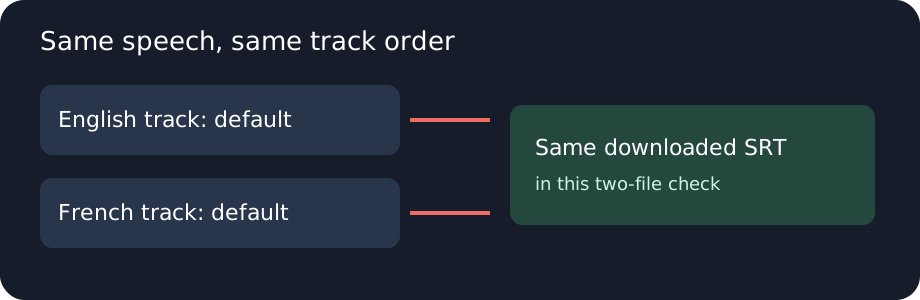
Both files use the same encoded audio, English subtitle first and French subtitle second. We remuxed the first file without re-encoding and changed which subtitle stream carries the default flag. FFprobe reported English as default in one and French as default in the other. Both files reuse the synthetic speech and subtitle sentences from the track-order experiment above; they are not new speakers or independent recordings.
| Input MP4 | Default embedded track | Tool status | Downloaded SRT |
|---|---|---|---|
| English-default MP4 | English | Done — 2 segments. | English-default output |
| French-default MP4 | French | Done — 2 segments. | French-default output |
We selected English and SRT in the live audio-to-text tool for each file and downloaded the two results. Both downloads were byte-for-byte identical:
1
00:00:00,000 --> 00:00:02,000
The meeting begins at 10.

2
00:00:02,660 --> 00:00:05,679
Please check the green notebook before lunch
The complete output matches neither embedded track sentence. It follows the shared synthetic speech; the spoken word "ten" appears as "10". The result does not establish how the browser or model handles every default track, other subtitle encodings, or other recordings. A default flag is not a test of a manually selected subtitle track.
Did changing the default track change the result here?
No. The two downloaded files were identical in this comparison.
What if an MP4 has two audio tracks?
In this browser test, the tool returned the first audio track's words even when the second track was marked default. This observation covers these two MP4 files, with English and SRT selected, not every browser or video.
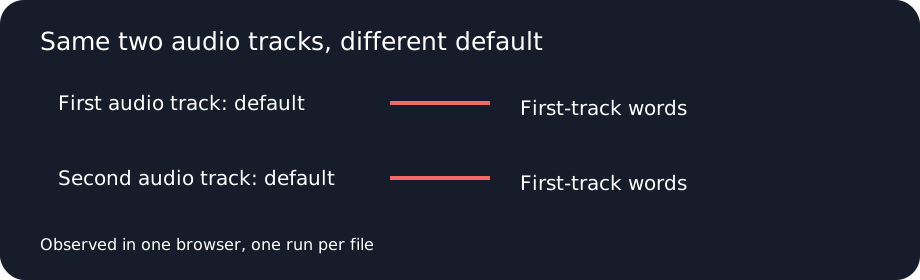
We combined two existing synthetic English voice recordings into separate AAC audio tracks. The first says “The meeting begins at ten. Please check the green notebook before lunch.” The second is the audio used in our earlier embedded-track check. This is a controlled test, not a meeting with multiple speakers. FFprobe reported the same track order in both files. We copied the encoded tracks without re-encoding, changed the default audio flag, and checked that each corresponding encoded track had the same SHA-256 value across the two files.
Listen separately: first audio track and second audio track. The tracks have different durations, and the files reuse existing synthetic recordings.
| Input MP4 | Audio default flag | Tool status | Actual download |
|---|---|---|---|
| First track default | First | Done — 2 segments. | First output |
| Second track default | Second | Done — 2 segments. | Second output |
We selected each file in the live audio-to-text tool, chose English and SRT, and downloaded the results. The downloads are byte-for-byte identical:
1
00:00:00,000 --> 00:00:02,000
The meeting begins at 10.

2
00:00:02,660 --> 00:00:05,679
Please check the green notebook before lunch
The first voice's spoken “ten” appears as “10”. Neither run returned the second track's distinct wording. We did not determine whether the browser decoder or another part of the tool chose the first track. The tool's tested interface had no audio-track selector; a different browser, codec, track layout, or file may produce a different result.
Subtitle Edit's video-player documentation describes switching between audio tracks for playback. Its audio visualizer documentation also describes an audio-track picker. ReelScriptly's tested interface does not offer that selection. We did not run these files through Subtitle Edit and did not verify which track its transcription feature uses.
Did the second default flag make this tool transcribe the second voice?
No. Both downloaded results followed the first audio track in this test.
Can I choose a different audio track in this interface?
No audio-track selector was present in the interface we tested.
Does this prove every browser selects the first audio track?
No. This is one browser test of two related files, not a cross-browser or codec comparison.
Does audio track order change the words transcribed?
In this browser test, reversing the order of two audio tracks changed the transcript to match the track placed first, even though the same voice remained marked as default. This is an observation for these two MP4 files, not a guarantee for other browsers or files.
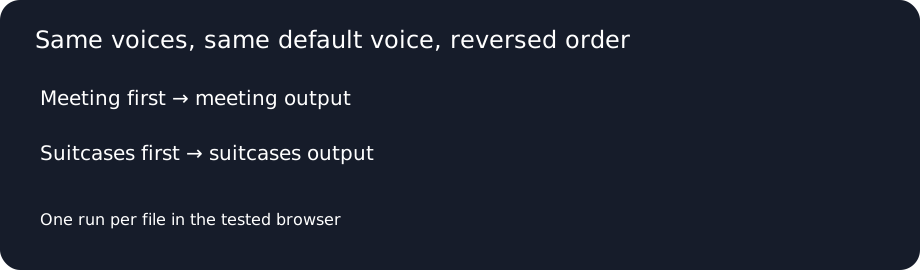
The two voices are existing synthetic English recordings, not a conversation or independent speaker sample. One says “The meeting begins at ten”; the other starts with “The blue suitcases”. The same meeting voice remained marked default in both files. We copied the AAC streams without re-encoding and verified matching hashes for each voice across the pair; only their order and the default flag's position changed.
| Input MP4 | Audio order | Default voice | Live result and download |
|---|---|---|---|
| Meeting first | Meeting, suitcases | Meeting | Done — 2 segments. Original SRT |
| Suitcases first | Suitcases, meeting | Meeting | Done — 1 segments. Some timestamps are approximate; review them against the audio. Original SRT |
We chose English and SRT in the live audio-to-text tool. This is the complete unchanged output with meeting first:
1
00:00:00,000 --> 00:00:02,000
The meeting begins at 10.

2
00:00:02,660 --> 00:00:05,679
Please check the green notebook before lunch
With suitcases first, the complete unchanged output was:
1
00:00:00,000 --> 00:00:10,959
The blue suitcases in room 14. Please keep the receipt with a silver key These words come from 'the audio', not this subtitle track
The second run explicitly warned that some timestamps are approximate. The test does not identify whether the browser decoder or another local step selected a track. Prior checks with these voices are listed above; a new ordering does not make them new independent recordings.
Descript's help page explains working with separately recorded tracks in a sequence and checking their alignment. Our test concerns two tracks inside one MP4; the tested ReelScriptly interface has no track selector. We did not submit these files to Descript or compare its results.
Did the selected words change when the order changed?
Yes. In these two runs, each output followed the voice placed first.
Was the same voice marked as default?
Yes. The meeting voice retained the default flag in both files.
Does this identify the responsible component?
No. We have not isolated the browser decoder from the rest of the local processing path.
Questions about multiple subtitle tracks
Did swapping track order change the output?
No. The two downloaded SRT files were identical in this test.
Did the output copy either embedded sentence?
No. The downloaded text followed the shared synthetic speech instead of reproducing the red-car or French train sentence.
Does this prove the same outcome for every MP4?
No. The comparison uses two containers made from one synthetic speech recording and two text subtitle tracks; other files and track types were not tested here.
For the earlier single-track comparison, see audio versus one embedded subtitle track. To inspect a standalone SubRip file, see what SubRip and SRT mean.
By ReelScriptly · Last content update: