Voice recording transcription
Turn a voice recording into text
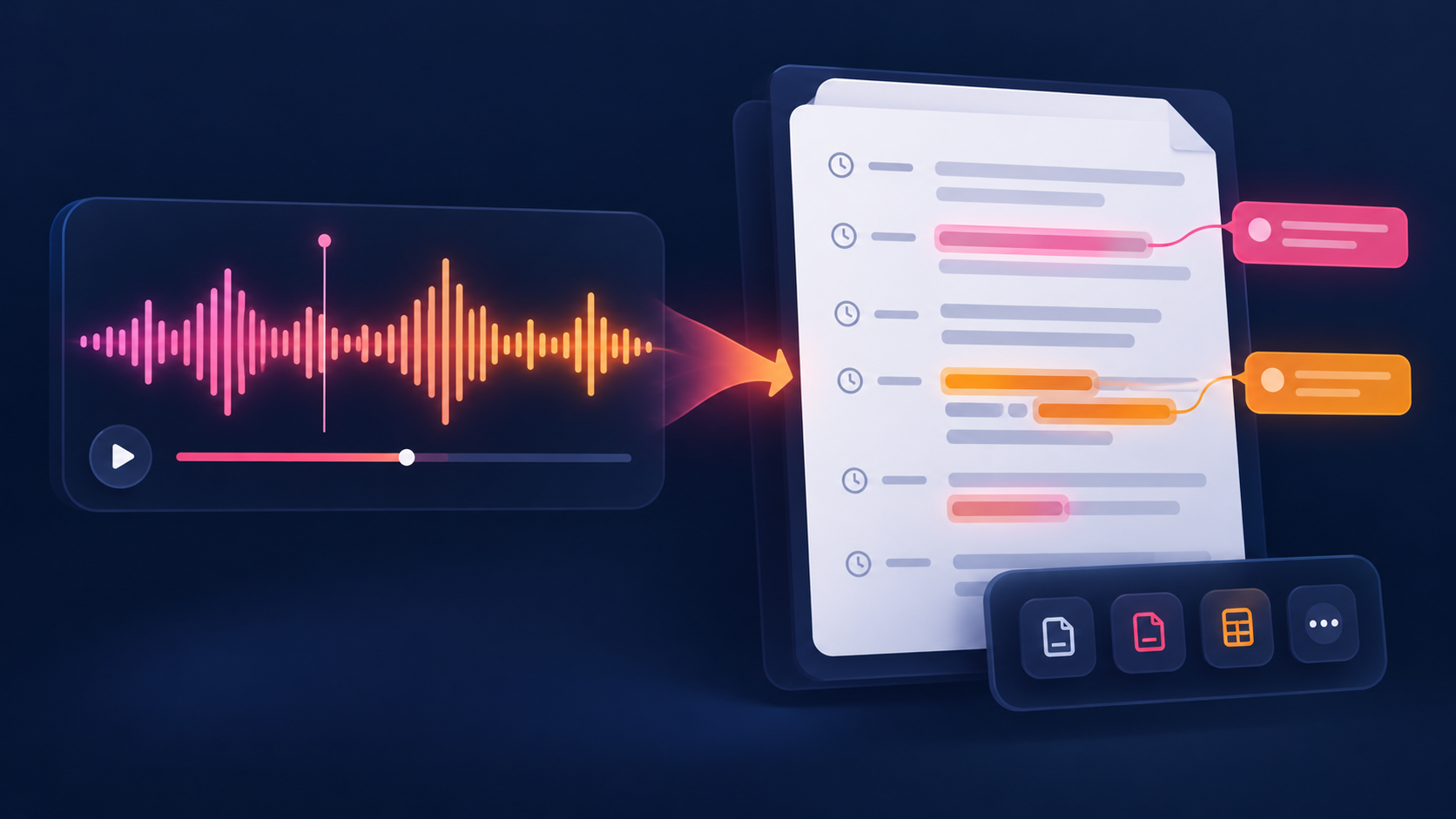
Answer: choose a recording, select its spoken language, and create a timestamped transcript draft you can review and download.
Drop a voice recording here, or tap to choose a file
MP3, WAV, M4A, MP4 — processed in this browser
Transcript
Review names, numbers, accents, overlapping speech, and music before relying on the draft.
How to transcribe a voice recording
- Choose the recording file.
- Select the spoken language or keep Auto-detect.
- Run the transcription and wait for the timestamped result.
- Export TXT for notes, SRT for captions, or VTT for web video.
What can change the result?
Names, numbers, strong accents, distant microphones, overlapping speakers, and music over speech deserve a manual check. A transcript is a useful draft, not a substitute for listening to important lines in the original recording.
Related tools
For audio generally, see transcribe audio to text. For phone recordings, see transcribe iPhone voice memo.