Transcribe audio
Transcribe audio
Answer: Transcribe audio by choosing an audio or video file, selecting the spoken language, and creating a timestamped text draft in this browser tab.
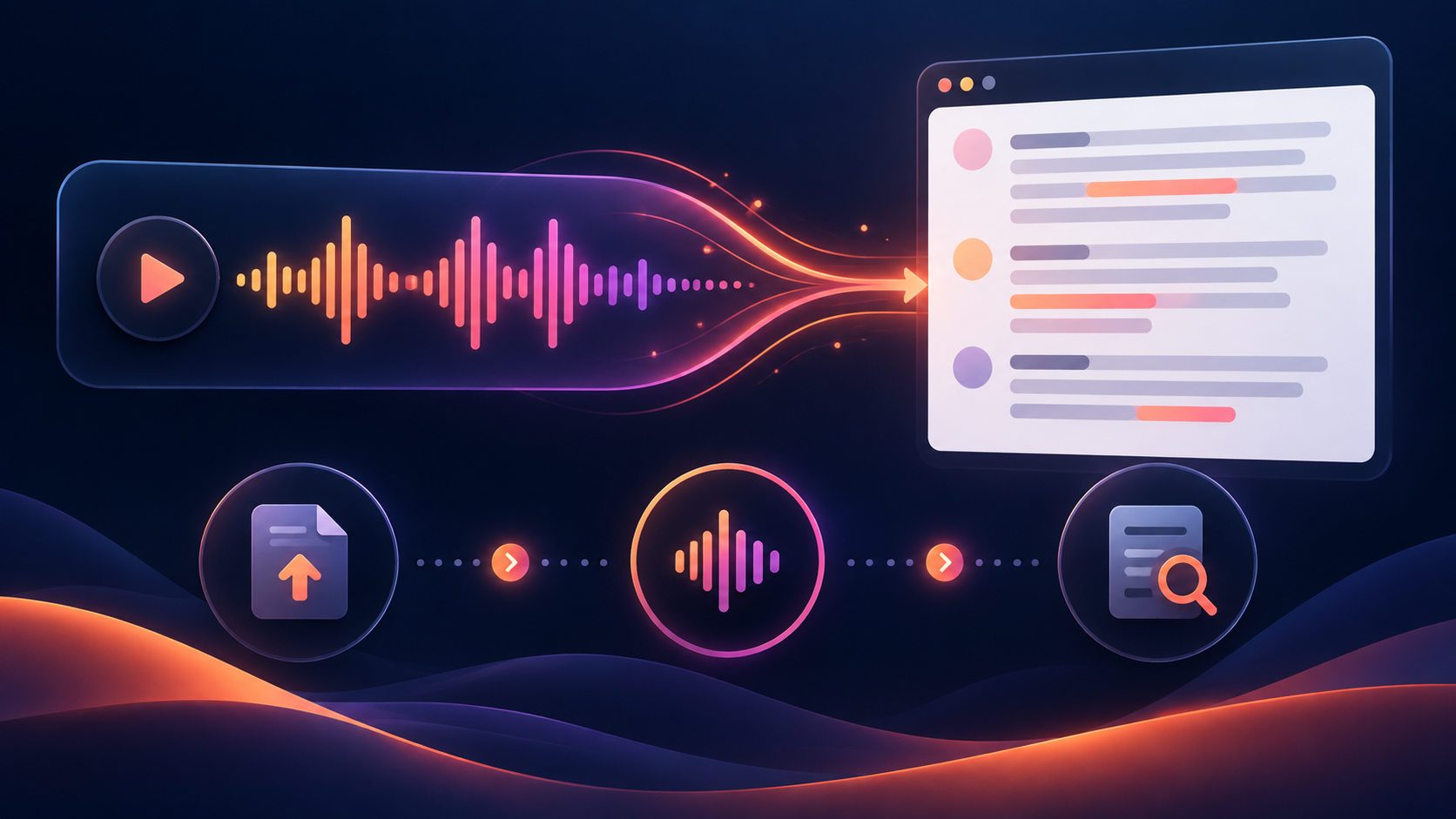
Transcript
A transcript is a draft: review names, numbers, accents, overlapping speech, and music before publishing it.
How to transcribe audio
- Choose an audio or video file.
- Select the spoken language or keep Auto-detect.
- Run the transcription and wait for the result.
- Copy the text or download TXT, SRT, or VTT.
Questions people ask
People may also describe this workflow as audio to text, audio file to text, audio to text transcription, transcribe audio to text, or free transcription audio to text.
If you are looking for speech to text online, this browser workflow turns a supported recording into text without requiring an account.
Can I transcribe audio without creating an account?
Yes. This page does not require an account to run a file in the browser.
Which audio formats should I try?
MP3, WAV, and M4A are common choices. MP4 video files are also accepted when they contain an audio track.
Why is the transcript not perfectly accurate?
Speech recognition can lose names, numbers, strong accents, overlapping voices, or words covered by background music. Review the timestamps against the original recording.
Which download format should I use?
Use TXT for notes, SRT for caption workflows, and VTT for web video players.
Related audio tools
For a voice memo workflow, see voice memo to text. For MP3-specific input, see MP3 to text.
For concrete examples checked against manual audio annotations, read these three measured English transcript errors.